
ALTEKK
Template Details
See the preview, inclusions, and how it works—so you can buy immediately or make an inquiry via Email.
What you get
Everything you need to launch faster

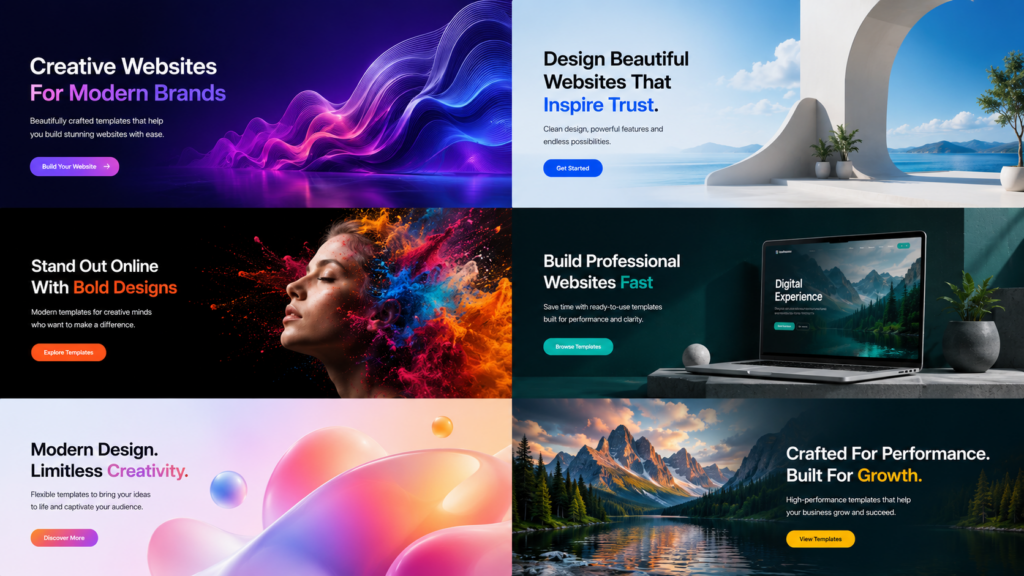
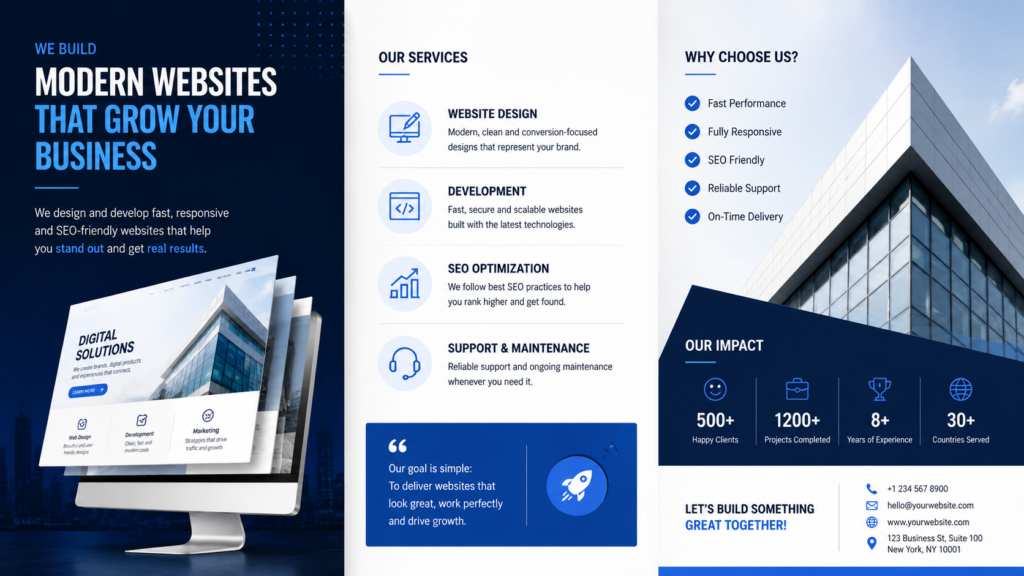
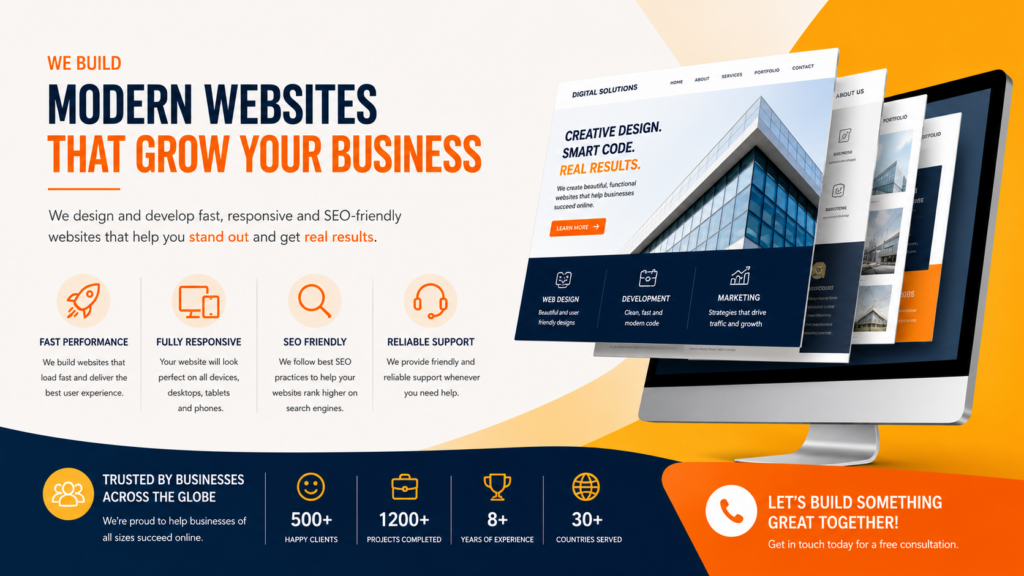
Preview gallery
Sample mockups so you can see the style and layout before buying.
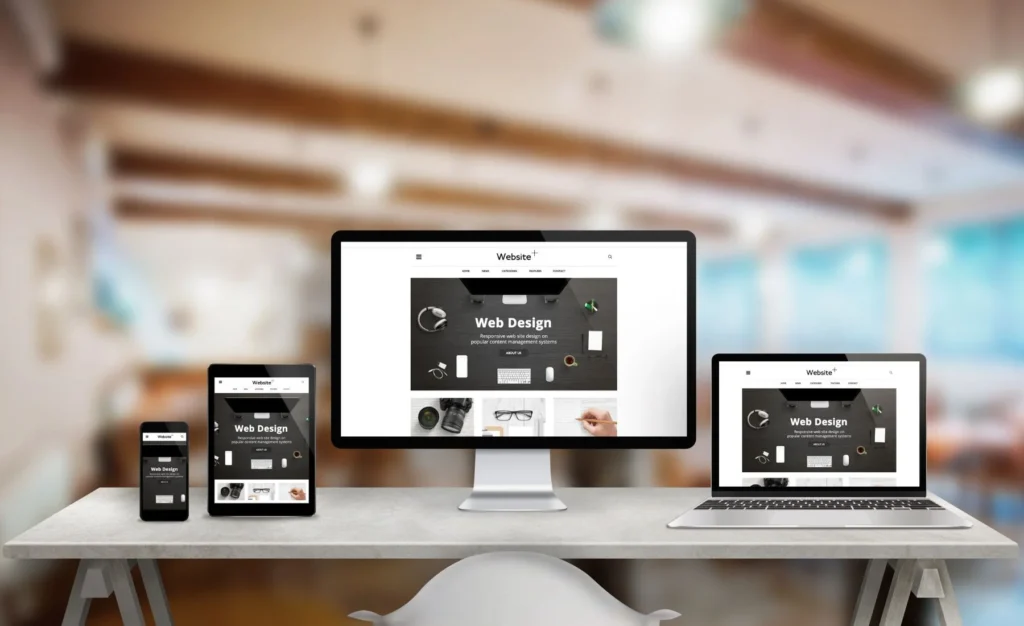
Website Template
Click to view images.
Brochure Template
Click to view images.
Flyer Template
Click to view images.
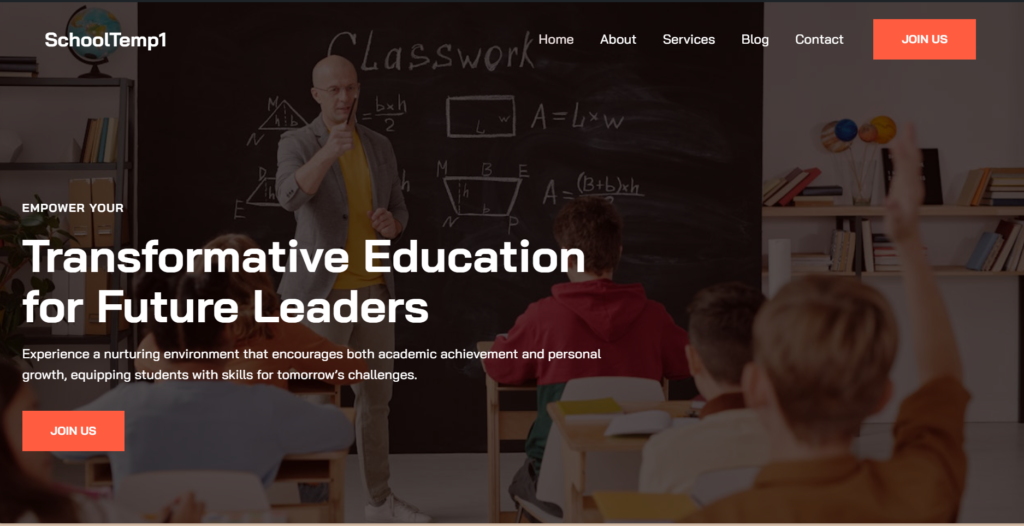
Website Template
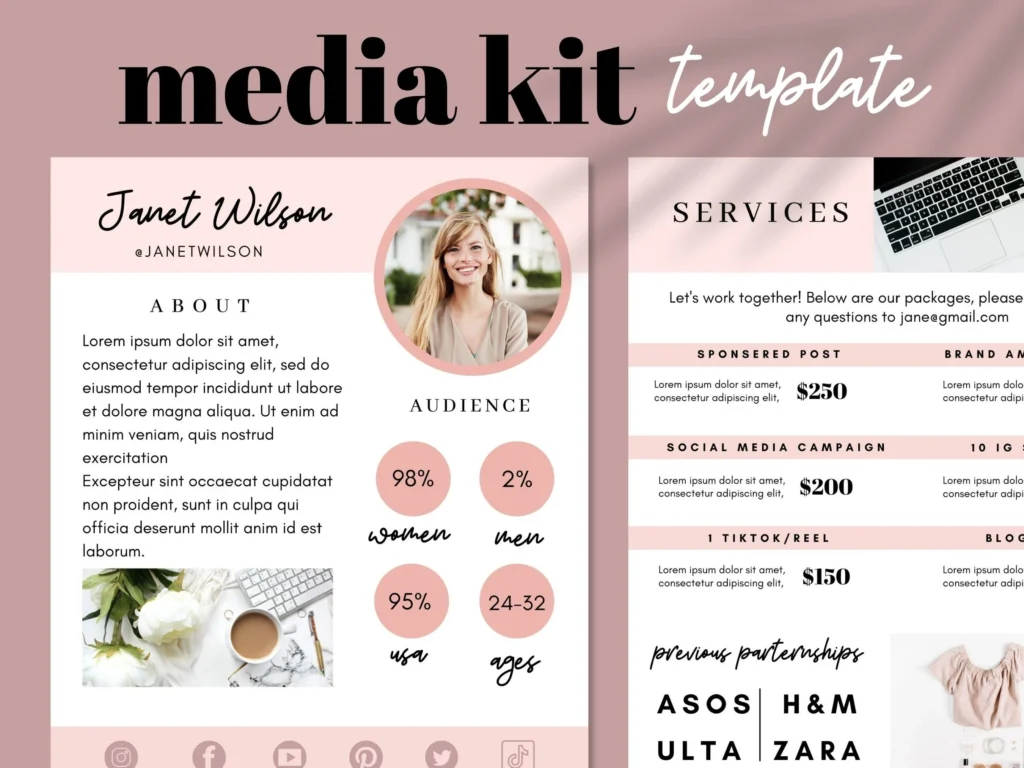
Flyer Template
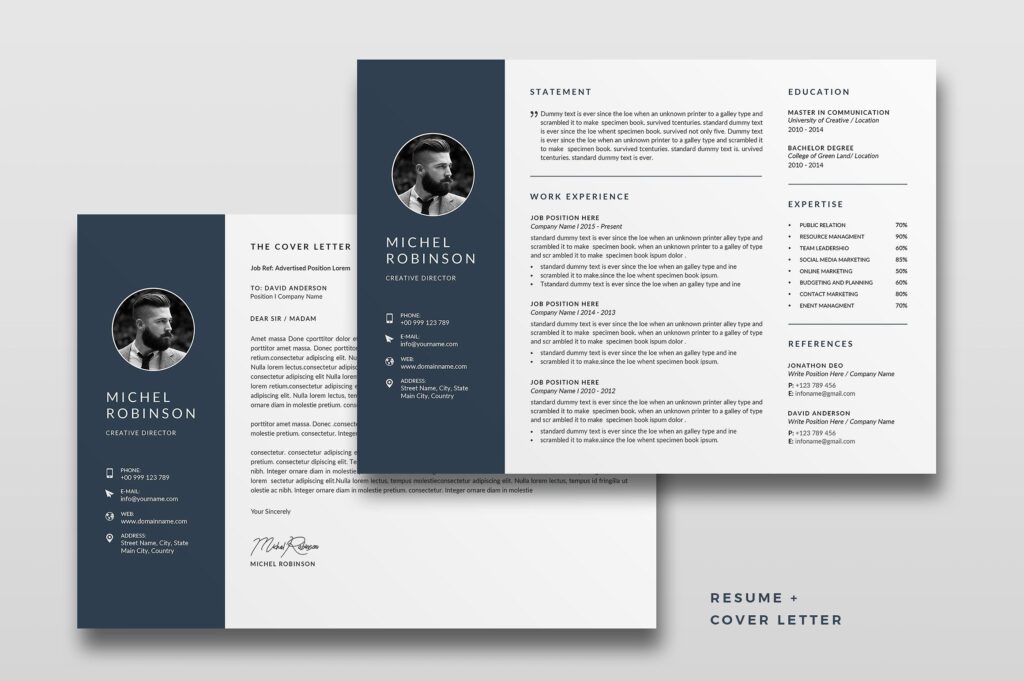
Landscape Brochure Template
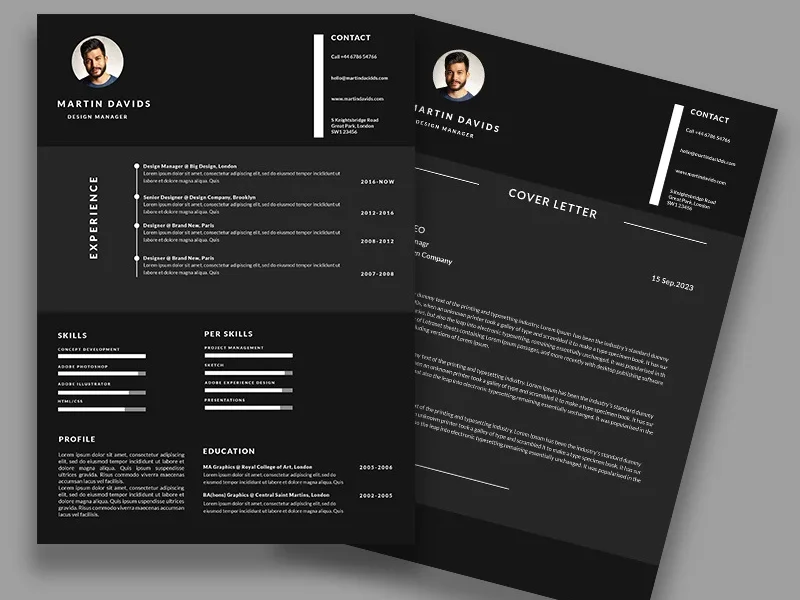
Portrait Brochure Template
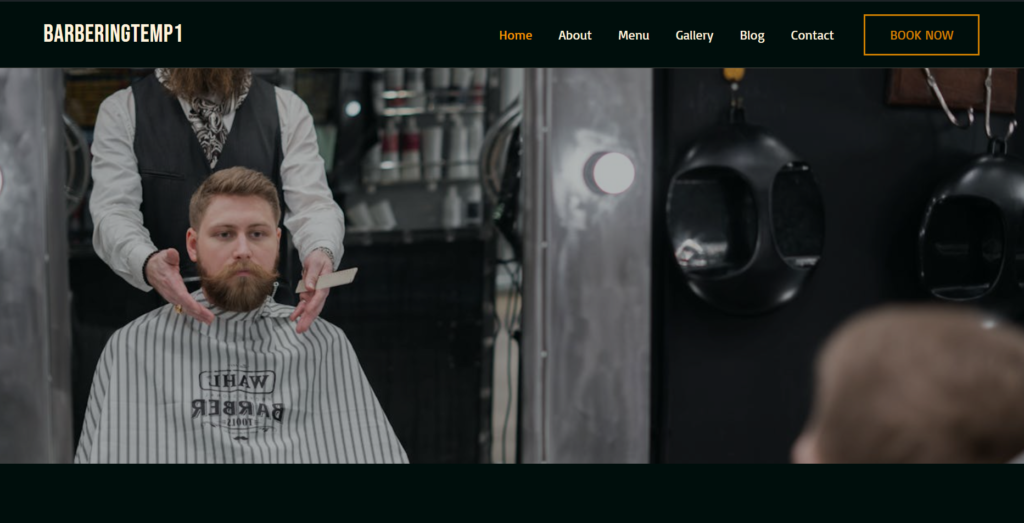
Barbering Website Template
Choose your format
Pick a template type for your goal. Actual prices and checkout are available on the Shop page.
From $15+
Flyer Templates
Editable
Brand-ready layouts
Export for print or digital
Instant download
From $99+
Website Templates
Modern sections & pages
Mobile-friendly layout
Easy content swap
Instant download
From $20+
Brochure Templates
Editable layout
Clean typography
Easy to customize
Instant download
FAQs
Quick answers to make deciding and checking out easier.
How can I get the template after buying it?
After checkout, you’ll get access to the download link (or delivery instructions) so you can download the files immediately.
Can this be edited even by a beginner?
Yes. This is designed to be easy to edit—just change the text, colors, and images using the recommended tool (e.g., Canva).
Is there a refund?
Since this is a digital download, it is usually non-refundable. If there is an issue with the file, message us and we will help you.
Can I request a customization?
Yes—you can inquire on WhatsApp for custom edits or add-ons (subject to availability).
What format is included?
It depends on the product. Check the product description on the Shop page for the exact inclusions and file links.
How to inquire via Email?
Click “Email” and send the template name + preferred format so we can assist you quickly.